Accessibility Tips
Hover to reveal text (if you're on desktop) - click on smartphone to expand text
Android
Read Aloud Any Text On Your Android Phone (Text to Speech) 2024
Tutorial 1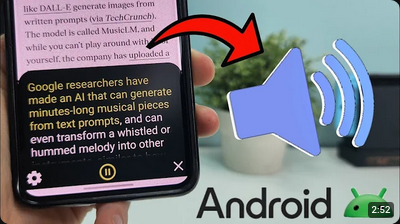
Summary:
- Text to speech accessibility for the entire phone
- Mentions Google Chrome's audio feature
App, feature or exentension mentioned: Android accessibility suite
Google Chrome's "Listen to this page" feature.
Using Text-to-Speech on your Android Phone (select to speak)
Tutorial 2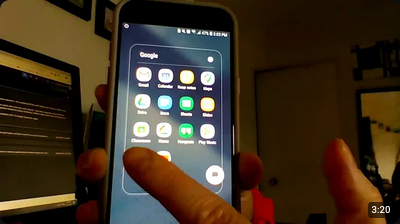
Summary:
- Text to speech accessibility for the entire phone
App mentioned: Android accessibility suite
Text To Speech Options On Android - TalkBack, Select To Speak, Voice Assistant, Screen Reader
Tutorial 3
Summary:
- Text to speech accessibility for the entire phone
App mentioned: Android accessibility suite
Iphone
How to Use Text to Speech on iPhone or iPad
Tutorial 1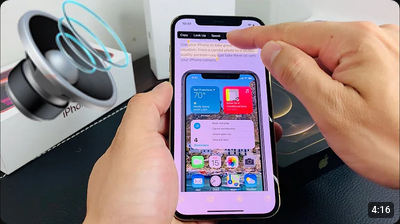
Summary:
- Text to speech accessibility for the entire phone
Let Siri Read a Website to you in Safari on iOS 17
Tutorial 2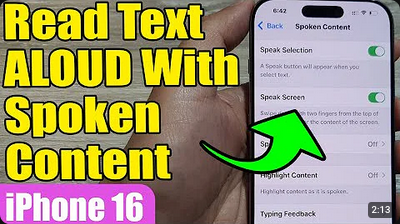
Summary:
- Text to speech with Safari
Elderly
Use these steps to help an older family member personalize their device for improved readability, visibility, and ease of use.
iPhone Senior Mode: Everything You Need to Know
Tutorial 1
Summary
Main points from video:- What Is Assistive Access?
- How to Set Up Assistive Access
- Assistive Access Apps
- Calls with Assistive Access
- Camera with Assistive Access
- Photos with Assistive Access
- Music with Assistive Access
How to make your android phone easy for seniors to use
Tutorial 2
Summary
- Turn on Easy Mode (Samsung phones)
- Turn off Gesture Navigation and turn on Button Mode
- Make the text size bigger
- Enlarge the keyboard buttons:
- Install a senior-friendly launcher
Browsers
I Tested EVERY Modern Browser UI to find the BEST
Tutorial 3
Summary
- Different browsers might offer different accessibility options, this video tests different browsers out there that might give you more options!
Ads as security threats and safest browsers for vulnerable users
Informational writtingTable of contents:
- Why the U.S. government treats online advertising as a cybersecurity threat
- Browsers that help users who can’t quickly spot pop‑ups or malicious links
- Why these browsers are especially suitable for elders and kids
- Practical steps you can take right now